
Network Function
Define whether the equipment distributes fiber, houses active devices, converts power, protects a splice or supports field operations.
ROGER FIBRE ATELIER organises research around the path itself: cable, interfaces, distribution, protection, connected equipment and field evidence.
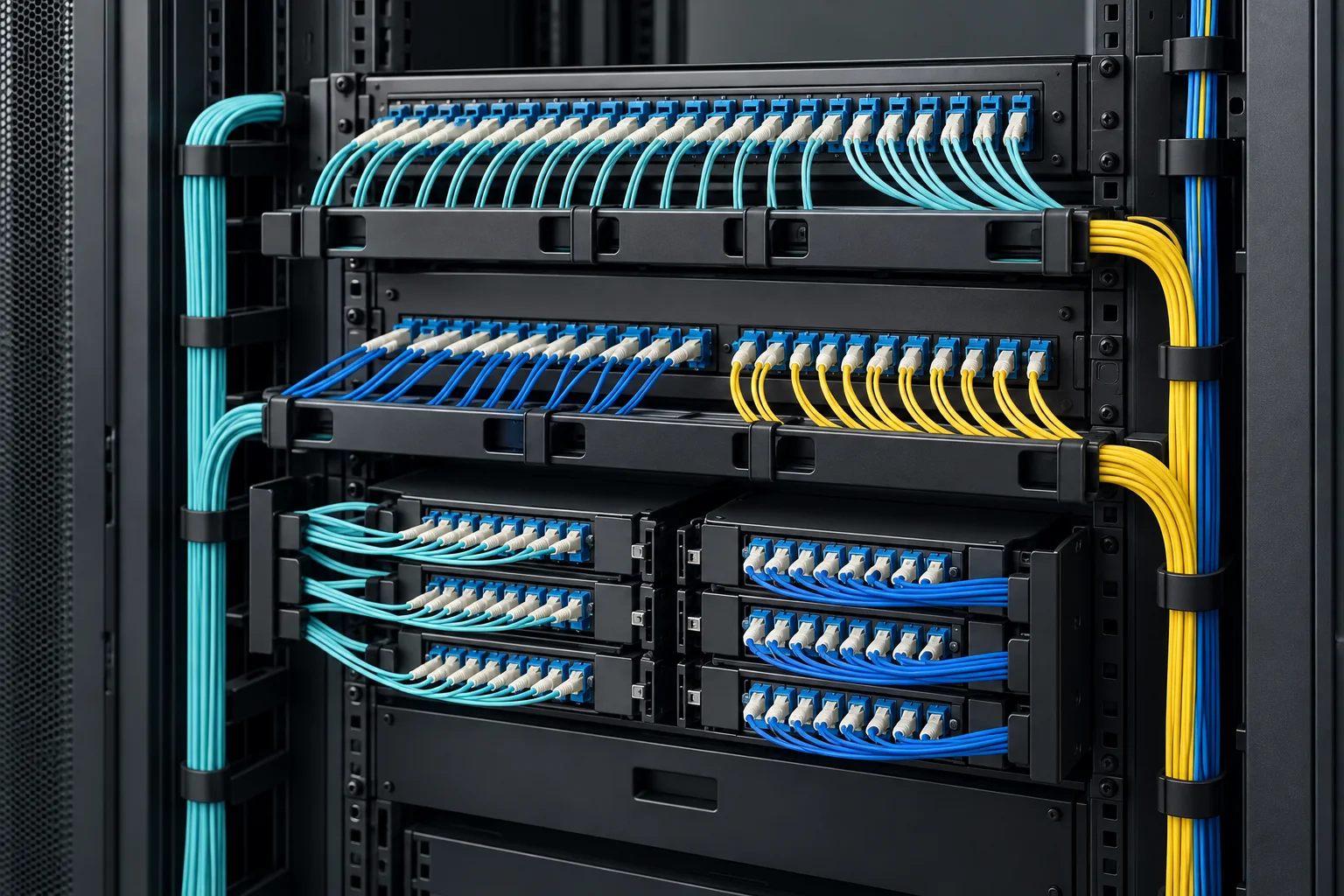
Cable, connectors, splitters, panels, enclosures and tests are often researched separately even though their interfaces meet in the same link. A route-led dossier makes those dependencies visible.
The site combines a component index, network contexts, a simple design method and searchable technical notes. It supports preliminary research; final ratings still require current project and supplier documentation.
Each layer preserves information needed by the next and keeps local choices connected to the complete link.
Define whether the equipment distributes fiber, houses active devices, converts power, protects a splice or supports field operations.
List fiber type, connector format, port count, rack units, input voltage, output circuits and monitoring expectations.
Record indoor or outdoor use, temperature, humidity, dust, water, corrosion, mounting and service access.
Identify the drawings, test results, protection ratings and project documents needed before acceptance.
The portfolio is organized by job rather than by a long undifferentiated product list.
Boxes, frames, panels, cross-connect cabinets and closures for routing and access.
Indoor, outdoor, drop and self-supporting cable matched to the route and installation method.
Splitters, adapters, patch cords, attenuators and wavelength devices for the optical path.
Network cabinets, integrated racks, trays and raceways for organized equipment rooms.
Rectifier systems, integrated power cabinets, distribution panels, PDU cabinets and busbars.
Weatherproof cabinets, equipment shelters and emergency communication enclosures.
We avoid presenting search-derived material as a project approval. Use the library to form questions, then confirm interfaces and ratings in current documentation.
Read a product specification in relation to the site, network role and connected equipment.
Similar product names can describe different capacities, mounting formats or protection levels.
Ask for drawings, declared ratings, material information and relevant test documentation.
Keep a simple interface schedule so later changes can be reviewed without starting again.
A concise requirement is the fastest route to a useful product discussion.