
FTTx & PON Access
Coordinate feeder and drop cable, splitters, closures, distribution boxes, adapters and subscriber termination around the optical budget.
Topology, pathway, exposure, density and maintenance access reshape cable construction, distribution hardware, connectivity and test requirements.
These views connect cable, distribution, connectivity and protection without assuming one configuration fits every network.
Coordinate feeder and drop cable, splitters, closures, distribution boxes, adapters and subscriber termination around the optical budget.
Plan rack units, patch-panel density, fiber raceways, cable trays, power distribution, airflow and front/rear service clearance.
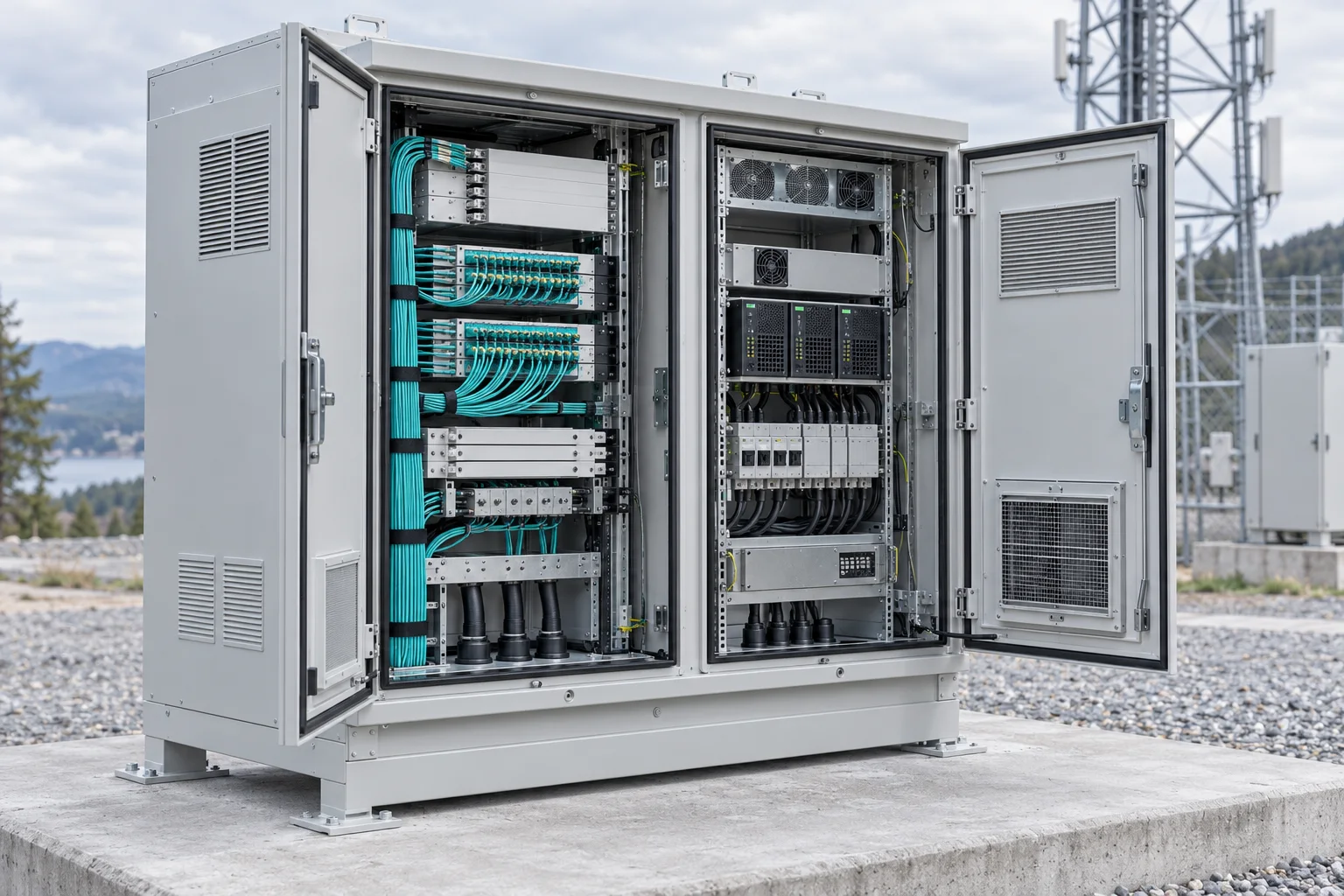
Bring outdoor enclosures, fiber entry, active equipment, rectifier capacity, DC distribution, grounding and cooling into one site layout.
Prioritize weather protection, compact equipment integration, vibration, cable sealing, remote monitoring and safe field access.
Check temperature, dust, electromagnetic conditions, cable construction, enclosure materials and redundancy requirements.
Define transportability, installation speed, environmental control, power interface, equipment access and recovery procedures.
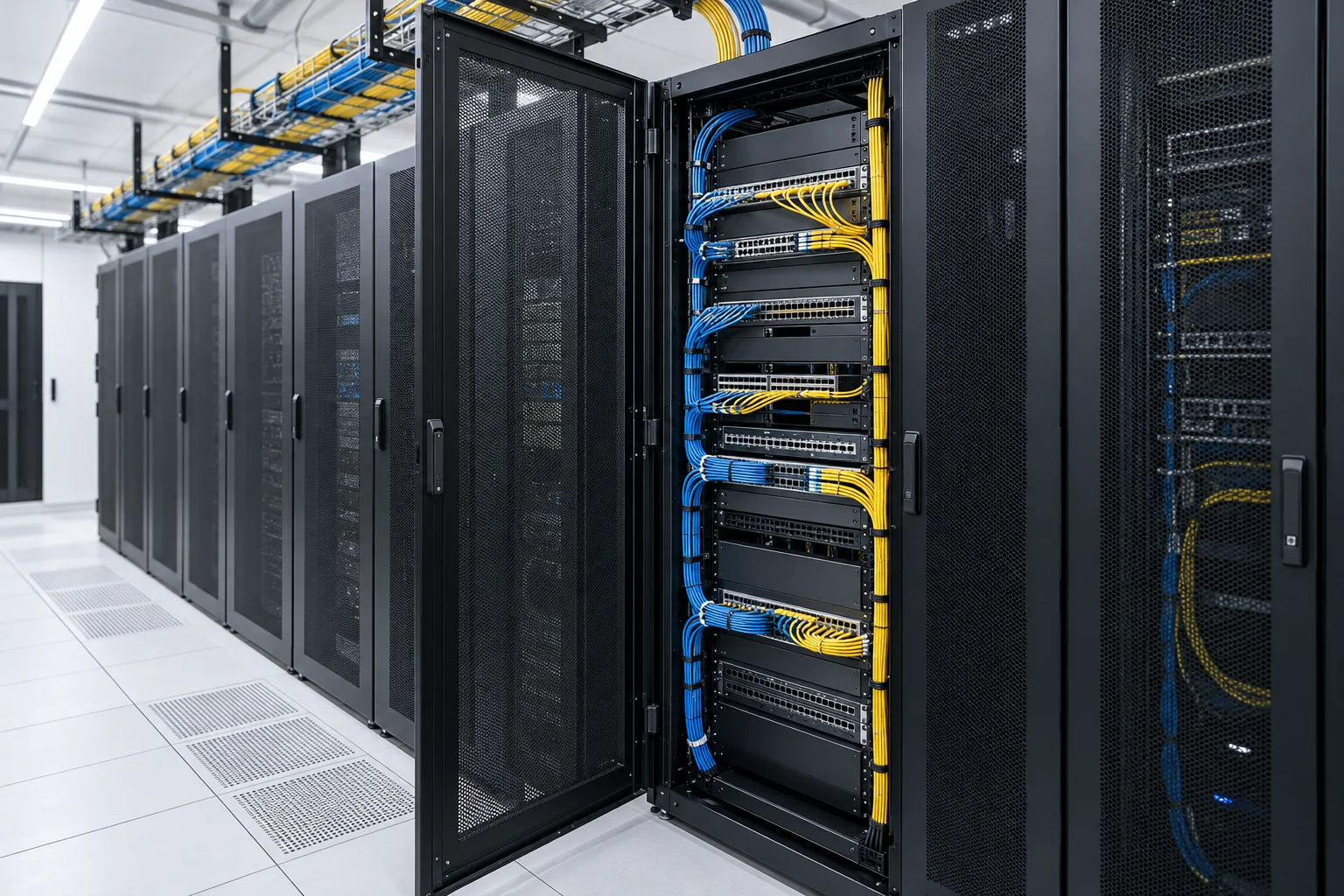
Rack width and height are only the beginning. Equipment depth, door clearance, airflow, patching, overhead or underfloor routes and branch power distribution all influence the final cabinet layout.
A cabinet or shelter must protect equipment without making routine maintenance difficult. Cable glands, grounding, thermal management, door swing, lifting and future expansion should be settled before the internal layout is frozen.
Use the same information across product categories so interfaces do not disappear between separate quotations.
Access, aggregation, edge, backhaul, monitoring or emergency service.
Indoor, outdoor, climate, dust, water, corrosion and physical access.
Fiber type, count, wavelength, connectors, split and test requirements.
Rack units, dimensions, heat load, service clearance and growth allowance.
AC source, DC voltage, load current, protection, redundancy and monitoring.
Drawings, schedules, ratings, test reports and acceptance records.
Share the network role, equipment list, optical interfaces, power input and outdoor exposure.